
Put LoadReady on
your phone.
It installs straight from your browser, runs full screen with its own icon, works when the signal drops and sends notifications. Nothing to download from a store.
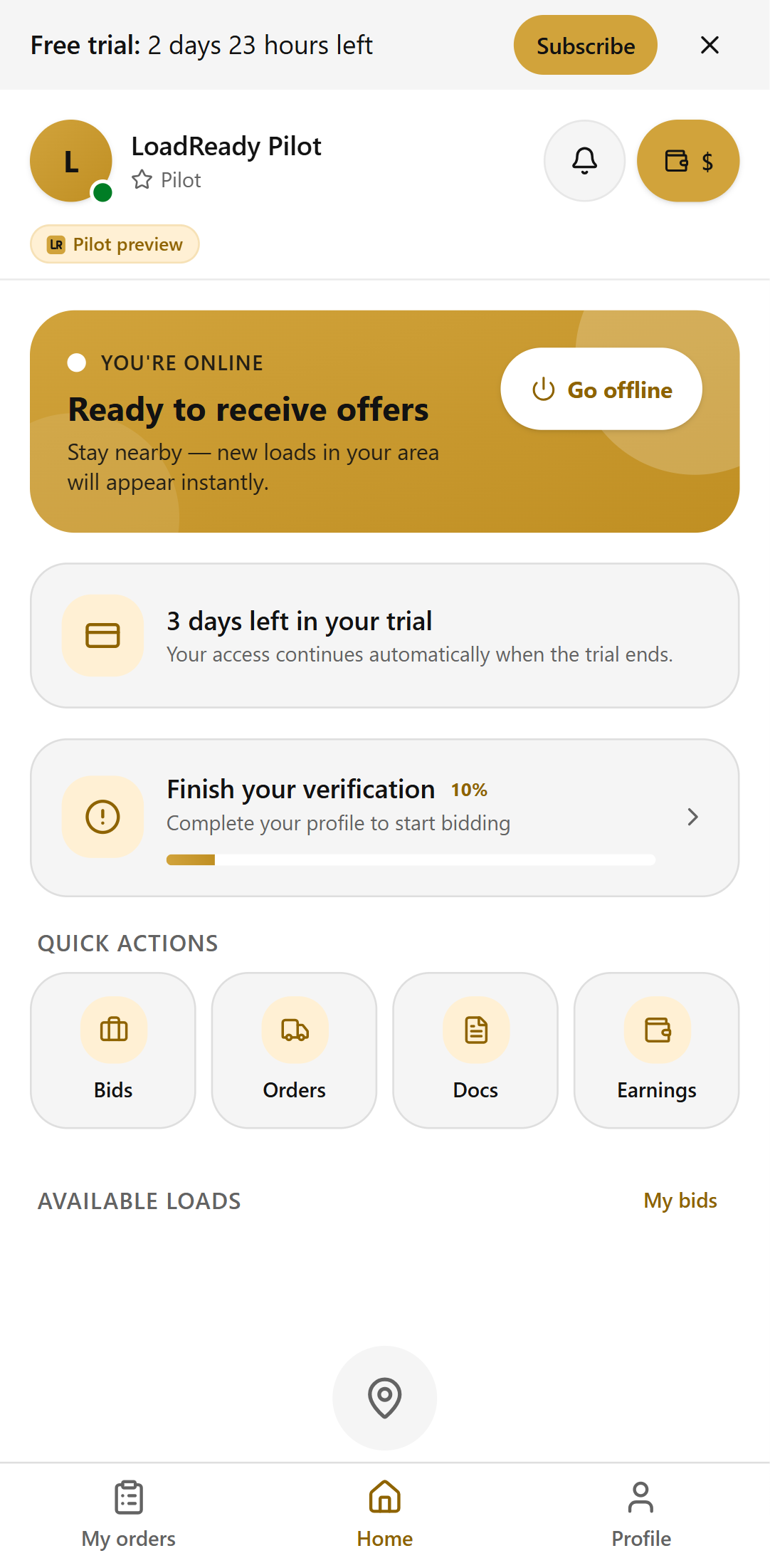
The native store builds are still in progress. Rather than show you a store badge that leads nowhere, this page gives you the installable web app — which is the same product, works today, and is what the team uses. When the store listings go live, they will be linked here.
Installing it takes about a minute
Open the app in your browser
Scan the code, or go to app.loadready.ai on your phone.
Add it to your home screen
In Chrome, the menu offers 'Install app' or 'Add to Home screen'. In Safari, it is the Share button, then 'Add to Home Screen'.
Open it like any other app
It launches full screen with its own icon, signs you in, and sends notifications when a job or an offer needs you.
An installed web app, not a bookmark
The product was built to be installed from day one — icons, offline handling and push notifications are part of it, not an afterthought.
- Runs full screen with its own icon — no browser bars
- Keeps working when the signal drops, and catches up when it returns
- Push notifications for offers, assignments and messages
- Screen stays awake while you are running an active escort
- Updates itself; there is no version to re-download
- Works the same on Android and iPhone
Where it runs
Android
Chrome 90 and later. Install from the browser menu.
iPhone and iPad
Safari 16.4 and later. Share, then Add to Home Screen.
Desktop
Any current Chrome, Edge, Firefox or Safari — useful for dispatchers at a desk.
Trouble installing? Write to support@loadready.ai with your phone model and browser, and you will get a straight answer.
Install it,
then start the trial.
Pilot accounts get 3 days of full access. Dispatchers pay nothing, ever.